Your first app, launched right.
Waitlist, tracking and feedback, set up in about ten minutes.
Free plan, no time limit · No card · Stripe stays read-only
The short answer
Launch in four moves: put up a waitlist while you build and record where each signup came from; add analytics before you post anywhere; on launch day, send one email to everyone who waited; after launch, collect feedback in one place and check which sources brought paying customers. In that order, launch day is measured, not just survived.
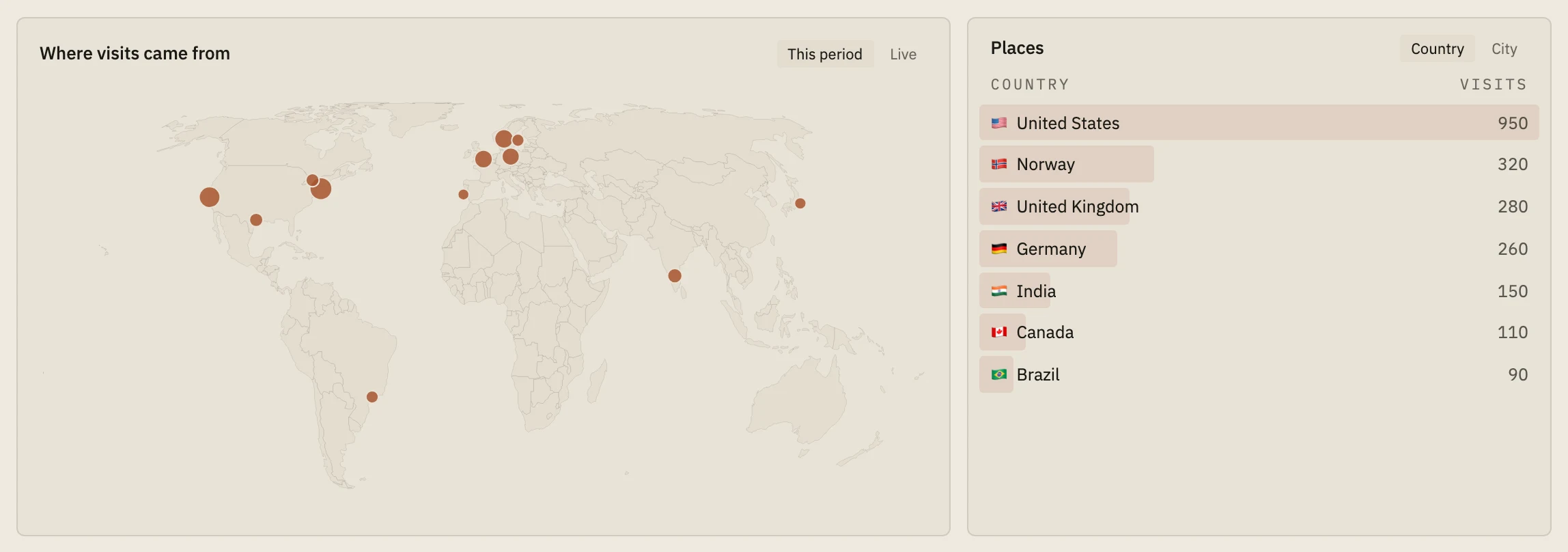
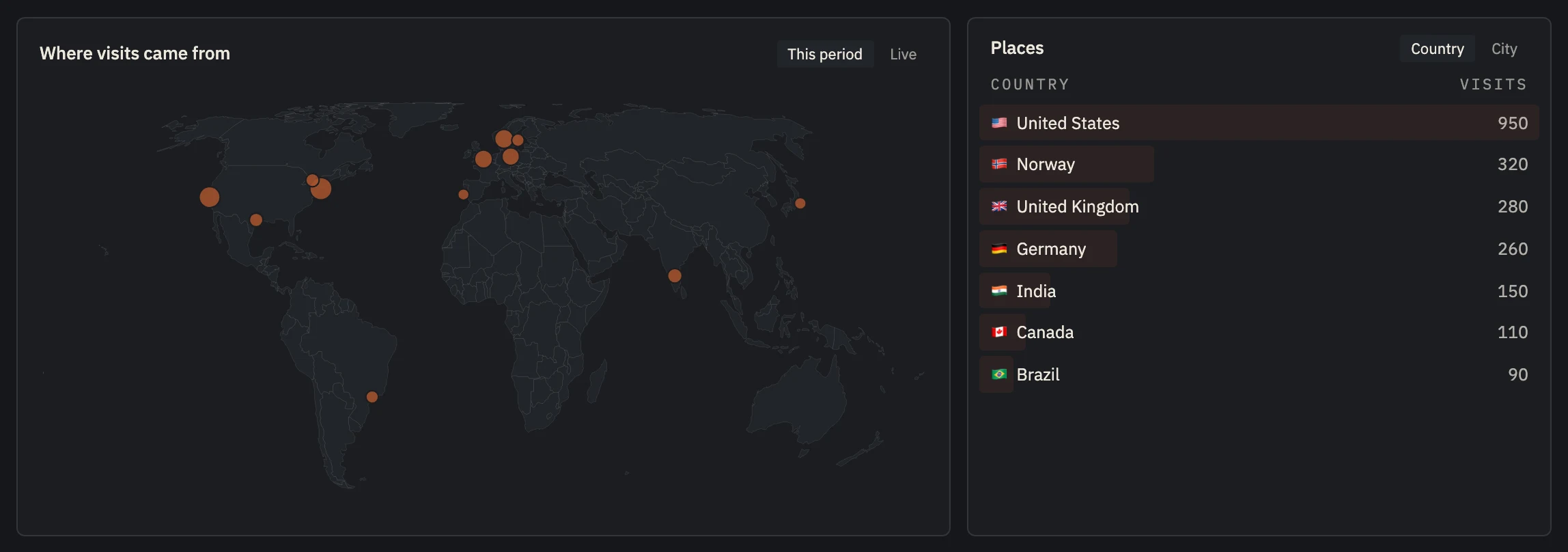 Example data
 - Your launch posts' visitors, city by city.
- Launch day, live.
First launches fail quietly.
Most first launches aren't disasters. They're quiet: a post, some visits, a few signups, and no idea what worked. Then the next month goes to guessing.
The order matters. Sources can't be recorded after the fact, so the waitlist and the tracking go up before the first post. The launch email only works if there's a waitlist to send it to. Feedback only helps if it's tied to people.
None of it is hard. It just has to happen before launch day, not after.
The checklist.
- 01
While you build: a waitlist
A page with one email field. Share it with tagged links (utm_source, utm_campaign).
- 02
Before you post: analytics
One script tag on the site, so every visit from your launch posts is counted with its source.
- 03
Launch day: one email
Tell everyone who waited, with one tagged link to start.
- 04
After launch: feedback
A widget in the app, with the user attached to every message.
- 05
After a month: look back
Which sources brought people who paid? Put next month's effort there.
All of it, set up with one command.
Run npx nordva@latest init in your project. It signs you in through the browser, writes your keys to your env file, installs the MCP server for the AI coding tools it finds, and hands your agent a planning prompt to wire in the waitlist, the tracking script and feedback. Or do it by hand from the dashboard.
The waitlist, analytics, the Stripe connection and 50 feedback messages a month are on the free plan. The launch email and AI sorting of feedback start on Indie ($19 a month).
Set up in about five minutes.
- 01
Paste one line
About two minutes
Add the script tag to your site, or run npx nordva@latest init and let your AI coding agent wire it in. The first visit shows up within a minute.
- 02
Connect Stripe, read-only
About three minutes
Create a restricted Stripe key with read permissions and paste it. Launch can only read; disconnecting deletes everything it synced. Every plan, Free included.
- 03
See who pays, and why
From the first visit
Where visitors come from, which of them sign up, what they ask you for, and which source brought the ones who pay, on one record per person.
I spent two years building apps before I understood how much three things matter, and that they only matter together: who your users are and where they came from, what they ask you for, and which source and which ad brought the ones who pay.
Most people starting out don't know that yet. I didn't. Together, those three tell you what to build next and where to spend your time and money. Nordva Launch puts them on one record per person, from the first visit to the first payment.
We only get paid if you succeed, so this site teaches first.
When Launch is the wrong tool.
- Your app has no website and no signup on the web (an app-store-only mobile app): Launch's analytics script runs on websites.
Questions, answered.
What if I've already launched?
Start now anyway. From today, every visit and signup gets a source, and your next launch post will be measured.
Do I need to code?
Not much. The hosted waitlist page needs no code, the tracking script is one line, and an AI coding agent can do the rest from the plan Launch gives it.
What does the init command change in my project?
It writes your keys to your env file and MCP settings for the AI tools it finds, and offers a short NORDVA.md guide. It doesn't edit your code; your agent does that from the plan, when you ask it to.
Launch it right the first time.
Free, no card. One command sets it up.