Someone paid. Where from?
Follow each customer back to their first visit.
Free plan, no time limit · No card · Stripe stays read-only
The short answer
Record where each visitor came from on their first visit, carry it to their signup, and match the signup to the Stripe customer by email or user id. Then every payment has a source: the site, the post, the campaign. The first step can't be done afterwards: Stripe knows who paid, not how they found you.
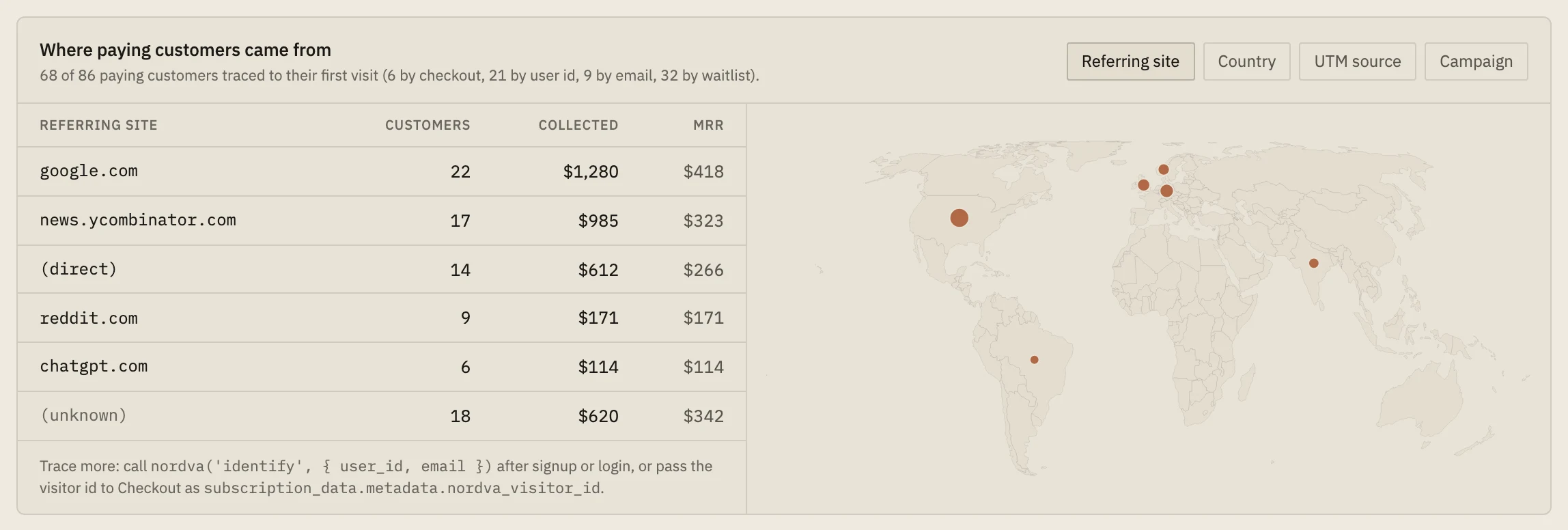
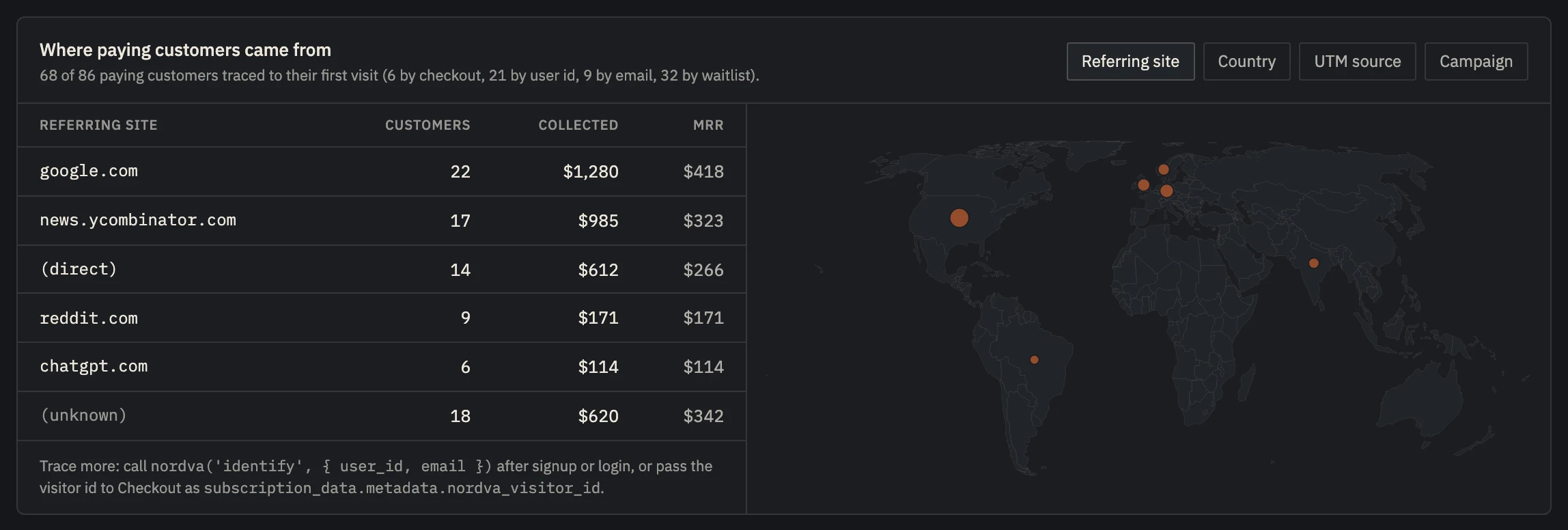 Example data
 - How many paying customers could be traced, and how.
- Customers, revenue and MRR per source.
- Where your paying customers are.
Your first customers tell you where the next ones are.
Your first ten customers are the most valuable data you'll get. If six came from one community, that community is your market. If they came from ten different places, you don't have a channel yet.
Stripe can't tell you. It knows the email and the card, not the post, the search or the newsletter. That link has to be recorded on your side, at the first visit, and carried through to the payment.
Asking customers how they heard about you helps, but people tend to remember the last thing they saw, not the first.
Connect the first visit to the payment.
- 01
Record the source on the first visit
Save the referring site and the UTM values the first time a visitor arrives, in a first-party cookie or on the signup itself.
- 02
Carry it to the signup
When they sign up, store that first source with their email or your user id.
- 03
Match Stripe customers to signups
By email, or better by your own user id in the Stripe customer's metadata, so a different billing email still matches.
- 04
Count per source
Group paying customers and revenue by source, and compare it with what each source cost you.
Every paying customer, traced to a first visit.
Launch's script records each visitor's first touch. The waitlist and identify carry it to the signup, and the Stripe sync matches customers by visitor id, user id or email. The Insights page lists paying customers by source and by country, and says how many it could trace and how, so you know how complete the picture is.
People who joined your waitlist are traced even without the script: their signup kept its source.
Referring sites and countries on every plan. UTM groupings and each person's visit history on Builder.
Set up in about five minutes.
- 01
Paste one line
About two minutes
Add the script tag to your site, or run npx nordva@latest init and let your AI coding agent wire it in. The first visit shows up within a minute.
- 02
Connect Stripe, read-only
About three minutes
Create a restricted Stripe key with read permissions and paste it. Launch can only read; disconnecting deletes everything it synced. Every plan, Free included.
- 03
See who pays, and why
From the first visit
Where visitors come from, which of them sign up, what they ask you for, and which source brought the ones who pay, on one record per person.
When Launch is the wrong tool.
- You sell through something other than Stripe (Paddle, Lemon Squeezy, an app store): Launch reads Stripe only.
Questions, answered.
Can I do this without a tracking script?
Yes, for people who join a waitlist or sign up through a form: record the source on the signup and match by email. Launch does that on every plan with no cookie. The script adds the people who pay without joining a waitlist first.
What if the customer used a different email in Stripe?
Match on your own user id instead: put it in the Stripe customer's metadata and call identify with it after login. Launch tries the visitor id, then your user id, then the email, then the waitlist email.
First touch or last touch?
Launch credits the first touch: the source of the first visit. Early on, that answers the question that matters most: how did this person find you at all?
Trace your next customer to their first visit.
Start free: add the script, connect Stripe read-only, and every payment gets a source.