Launched? Tell everyone who waited.
Then see which of them paid.
Free plan, no time limit · No card · Stripe stays read-only
The short answer
Send one email to your whole waitlist on launch day: what's live, what it does for them, one link to start, and an unsubscribe link. Send it in batches so it lands in inboxes, tag the link so visits from it are counted, and a month later check which of the people you told became paying customers.
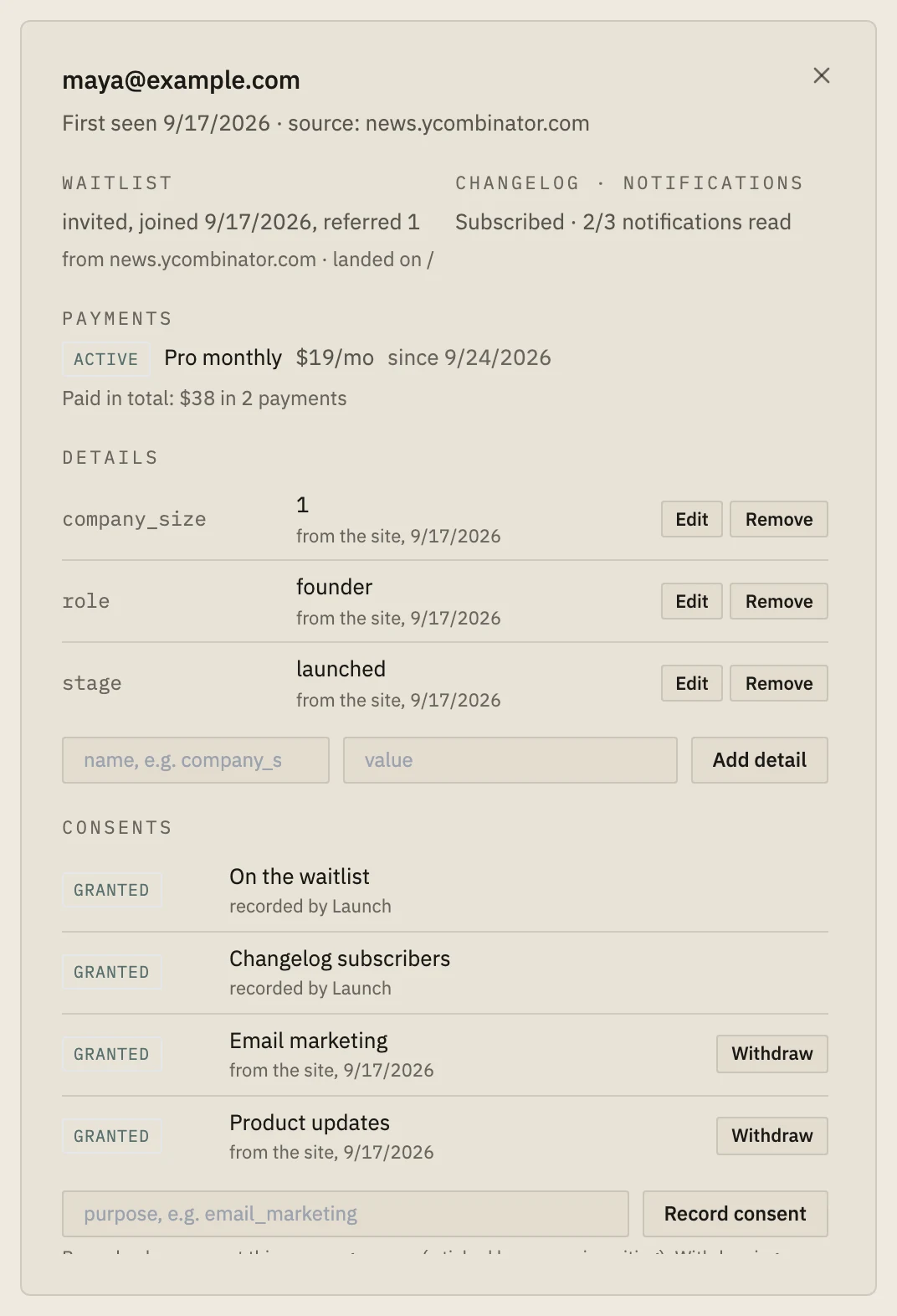
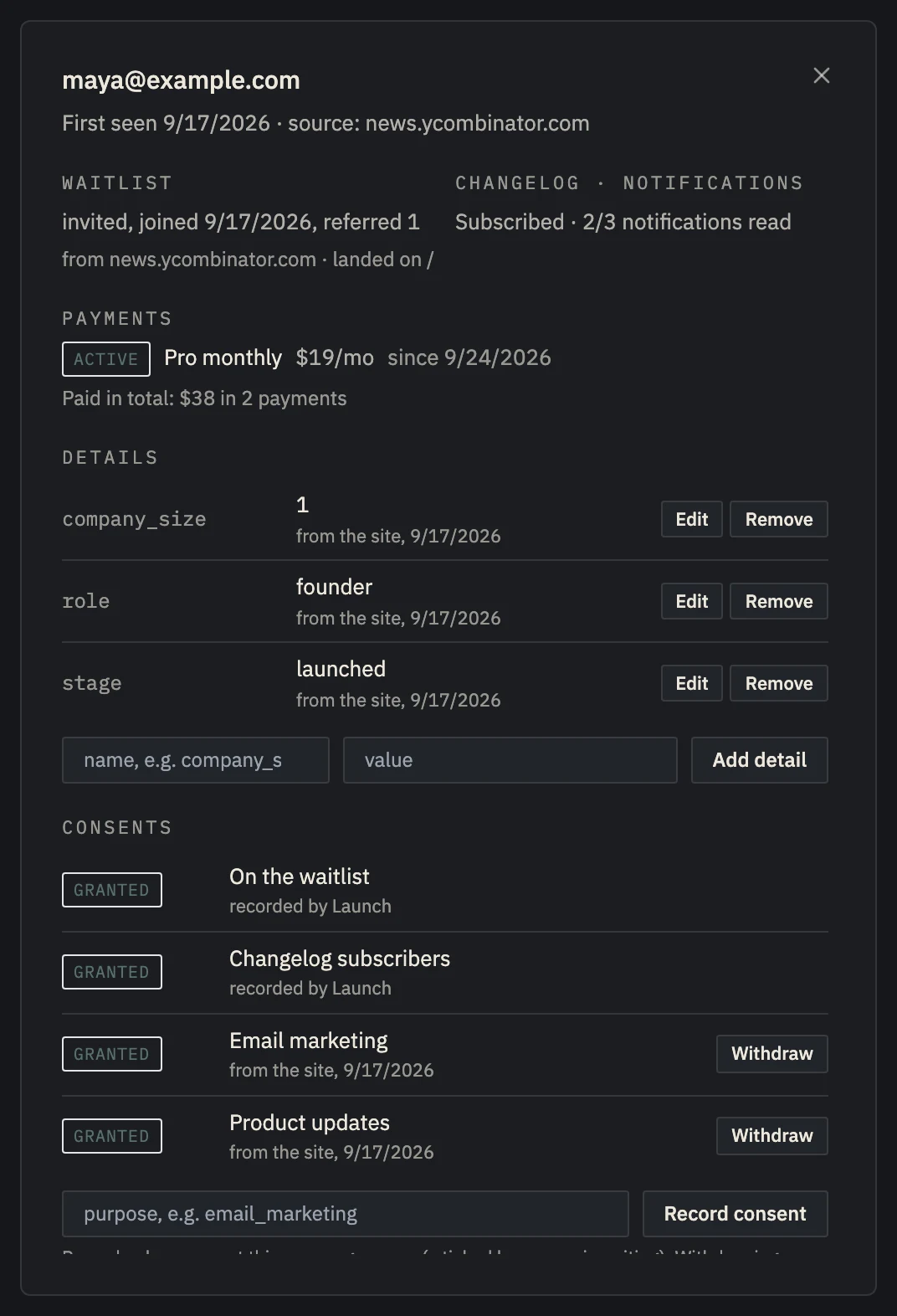 Example data
 - Came back through the launch email's link.
- …and went on to checkout.
- Now a paying customer.
They asked to be told. Tell them well.
Everyone on the list raised a hand for your product before it existed. On launch day they're your warmest audience, and your first chance to hear "I'll pay for this".
One clear email beats a sequence: what's live, what it does for them, one link. Send it once, in batches, with an unsubscribe link.
Then measure it. The launch email is the one channel where you know exactly who received it, so it's the easiest to measure honestly.
The launch email, step by step.
- 01
Write it short
Subject: "[Product] is live". Body: one line on what it does for them, one link, a thank-you. No feature list.
- 02
Tag the link
utm_source=waitlist, utm_medium=email, utm_campaign=launch, so visits from it are counted.
- 03
Send it in batches
Batches protect your sending reputation, and a mistake reaches fewer people.
- 04
Measure after 30 days
Match the people you told to your paying customers by email, leaving out anyone who paid before.
One announcement, sent and measured.
From the Waitlist page: write the subject and body, preview it, and send. Launch queues it within your daily email quota, leaves out people who unsubscribed, adds an unsubscribe link, and tags the link for you. The launch report then counts who you told, who came through the link and who paid within 30 days.
It's one email per launch, on purpose: no drips, no sequences.
The announcement email and the launch report need Indie ($19 a month).
Set up in about five minutes.
- 01
Paste one line
About two minutes
Add the script tag to your site, or run npx nordva@latest init and let your AI coding agent wire it in. The first visit shows up within a minute.
- 02
Connect Stripe, read-only
About three minutes
Create a restricted Stripe key with read permissions and paste it. Launch can only read; disconnecting deletes everything it synced. Every plan, Free included.
- 03
See who pays, and why
From the first visit
Where visitors come from, which of them sign up, what they ask you for, and which source brought the ones who pay, on one record per person.
When Launch is the wrong tool.
- You want sequences, segments and newsletters: use your email platform, and measure the results with tagged links.
Questions, answered.
How often can I send an announcement?
Once per project per 24 hours. It's meant for launches and big releases, not for newsletters.
Who does the email come from?
From a Nordva Launch address, in your product's name, with an unsubscribe link.
Can I choose who gets it?
Yes: everyone still waiting, everyone you've invited, or both.
Tell them. Then see who paid.
Start free, build the waitlist, and send the launch email on Indie.